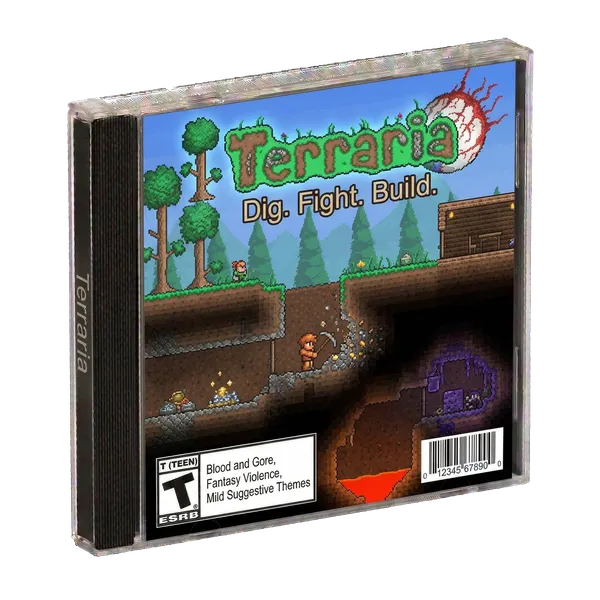
First-run guide
How to connect to your Terraria server
Copy and paste it in Terraria to play. Skip the setup console.
-
Create your GamersHut account
Sign up once. Invite up to 4 friends to your world.
-
Copy
One address for every live game. No IP hunting, no port forwarding.
-
Paste it in the game
Open Terraria's multiplayer / join / dedicated server screen, paste the address, and connect.
-
Your private server starts automatically
No dashboard buttons to press. Your settings and saves are waiting for you.
$10 first month, then $20/mo
Paste into Terraria multiplayer connect
Built for your friends
is your group’s private Terraria server, not a public lobby. Friends join the same address; strangers don’t.
One Address, Every Live Game
Share once. Covers every live game, every session, for every friend.
Your friends' private server
Just your group, not a public lobby. Friends connect and play anytime, even when you're offline. The server's ready and waiting for them.
Saves and Updates, On Us
Your world is waiting when you return, and servers stay on the latest version without you managing updates.
Zero Setup
No port forwarding. No DNS. No tutorials. Just connect to and play. Your friends join the same way.
About the Game
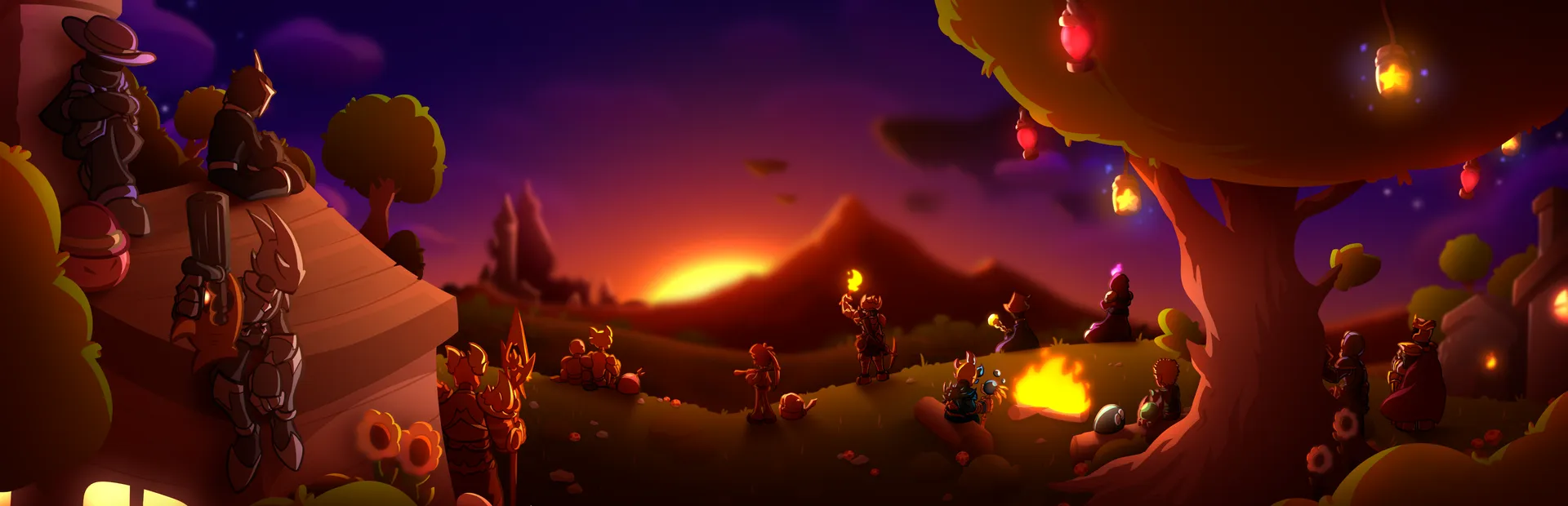
Dive into a 2D sandbox adventure with endless possibilities. Host your Terraria server on GamersHut and explore together with your friends. Private multiplayer for your friends. One subscription covers every live game. One address:
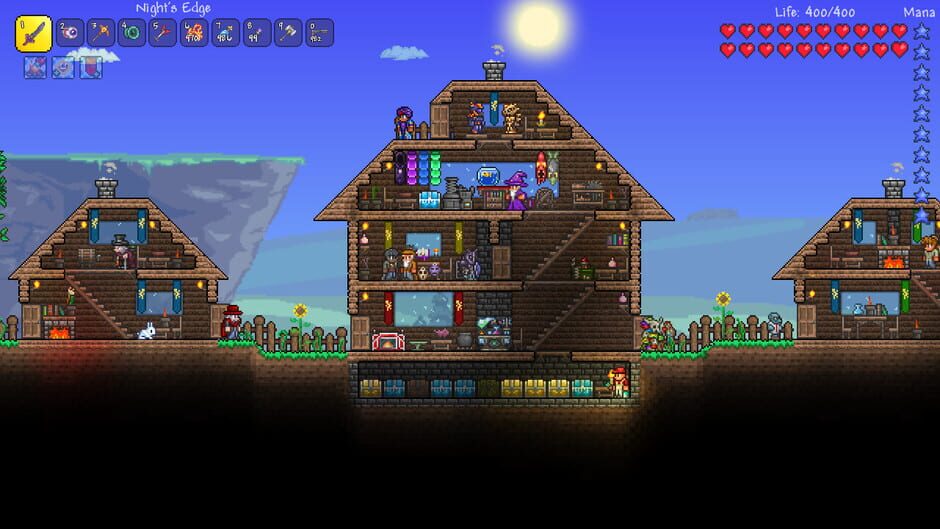
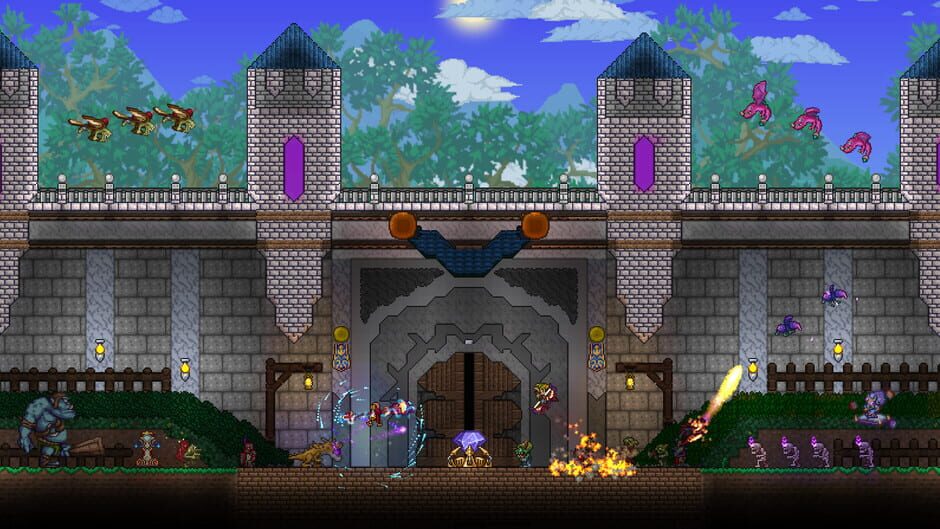
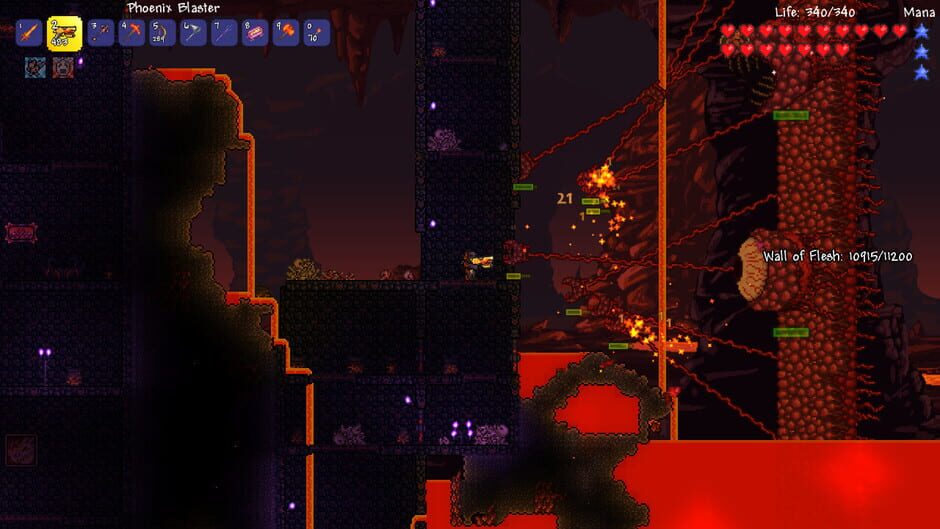
Terraria is a 2D sandbox action-adventure game with platforming and role-playing elements. Players create a character and are placed in a procedurally generated world where they mine resources, craft equipment, build structures, and fight enemies. Progression is driven by defeating bosses that unlock new tiers of items, biomes, and challenges. The game features a class system based on equipped gear, NPC recruitment tied to achievements, and supports both single-player and multiplayer modes. Terraria also includes official modding support through the tModLoader framework.
Genres
Themes
Screenshots
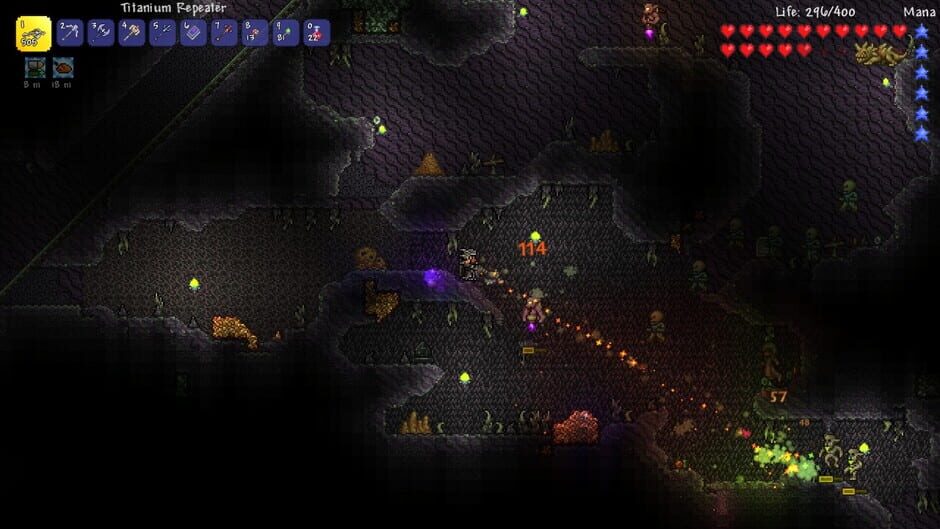
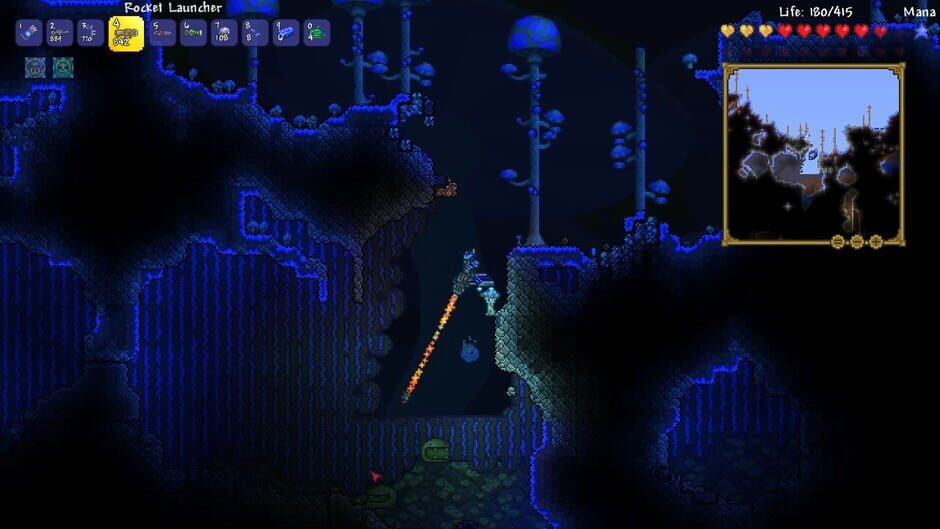
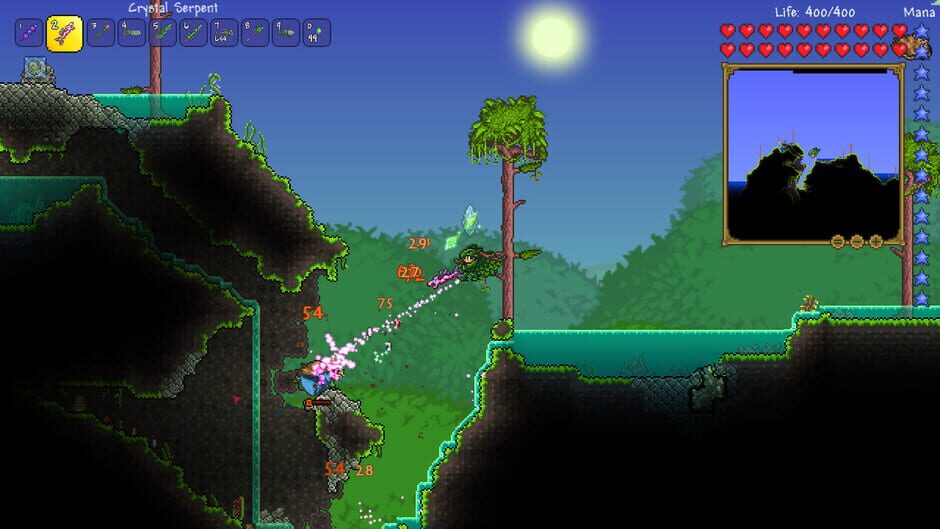
Terraria Server FAQ
Common questions about hosting Terraria on GamersHut
Create a GamersHut account, copy , then paste it in Terraria's multiplayer / join / dedicated server screen. Your private dedicated server starts automatically. You don't need setup, port forwarding, or a hosting dashboard to play.
$10 your first month during Early Access, then $20/month for unlimited access to Terraria and 12+ other games. One subscription covers every game. No per-game fees or hidden costs. See our pricing comparison.
Yes! Invite friends to your community and they can connect anytime using , even when you're offline. No whitelists to manage.
You don't need technical knowledge. GamersHut handles all server setup, configuration, updates, and management automatically. Just connect and play.
Yes, completely automatic. Connect to and your Terraria server starts instantly. Nothing to install, configure, or forward.
We host your Terraria server centrally in the US to ensure fast connections for players across North America. Need something closer to home in Europe or Asia? Let us know on Discord, we expand to new regions based on where our players actually are.